Getting Started
Workflow
In this section
- Installation & User Guide
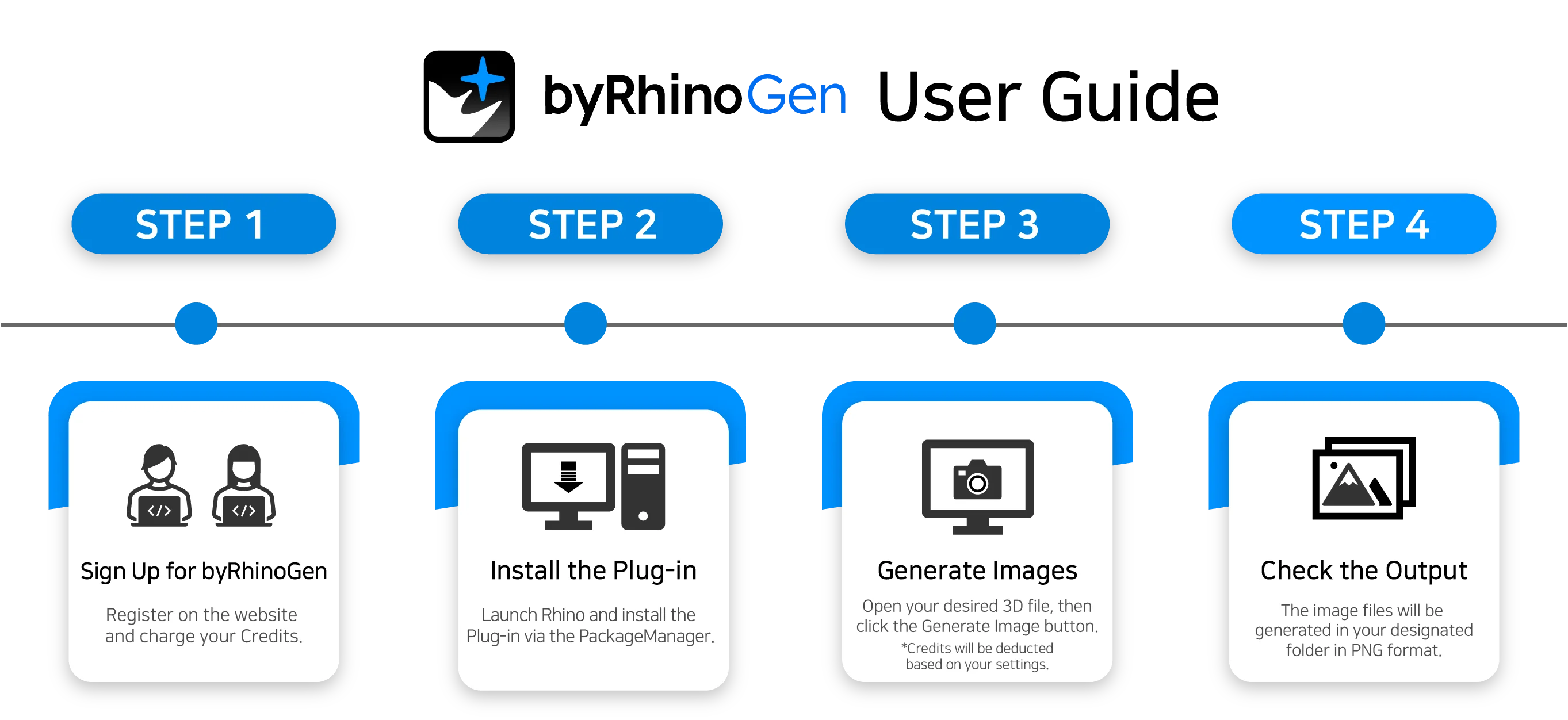
- Check out the entire process from installing the plugin in Rhino 8 to generating your first image. We provide step-by-step guidance on installation via PackageManager, AI engine optimization, and precise retouching workflows using Inpaint/Adjustment.
- Credits
- byRhinoGen operates on a pay-as-you-go credit system without a subscription. Free trial credits are granted upon email verification, and afterwards you can purchase and recharge packages whenever needed. Check the credit consumption criteria and saving tips.
- FAQ
- We have gathered answers to the most frequently asked questions by users, such as service definitions, supported platforms (Rhino 8), refund policies, and simultaneous login rules.
- Solution
- We guide you through solutions for technical problems that may occur during installation and use. Check the situational solution steps for issues such as an inactive plugin panel, AI engine setting errors, or login problems to continue your work without interruption.